
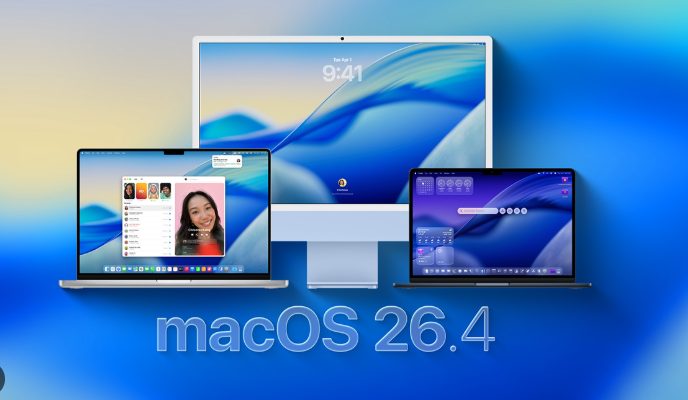
Apple has officially rolled out macOS Tahoe 26.4, the fourth major update to the Tahoe operating system. Coming just six weeks after the 26.3 release, this version is more than just a security patch. It reintroduces fan-favorite UI elements, enhances MacBook longevity with new charging controls, and signals the beginning of the end for Intel-based Mac support.
Safari Upgrade: The Return of the Compact Tab Bar
By popular demand, Apple has brought back the Compact Tab Bar option in Safari. This design combines the search bar and tabs into a single, slim row, maximizing vertical screen real estate.
-
Why it matters: On smaller screens like the 13-inch MacBook Air, every pixel of vertical space counts when browsing long-form content or spreadsheets.
-
How to enable: Go to Safari > Settings > Tabs and select “Compact.”
Battery Health: Manual Charge Limits
Taking a page from the iPhone 15 and 16 playbooks, macOS 26.4 introduces a dedicated Battery Charge Limit for MacBooks.
-
The Feature: Users can now set a maximum charge level (from 80% to 100%) to reduce battery aging.
-
Who it’s for: This is a game-changer for users who leave their MacBooks plugged into a studio display or dock most of the day, as it prevents the battery from sitting at 100% and degrading over time.
The “Liquid Glass” Evolution & New Emojis
macOS Tahoe 26.4 further refines the Liquid Glass design language with smoother translucency and updated system icons.
-
New Emojis: The update adds 8 new characters, including an orca, a trombone, a landslide, a ballet dancer, and a distorted face.
-
Folder Customization: You can now give individual folders unique colors and assign emojis or symbols to them, making your filing system much more visual.
Continuity & Productivity Updates
-
Apple Creator Studio (Freeform): The Freeform app receives a major “Creator Studio” update, featuring advanced image generation tools and a premium content library for whiteboard collaborations.
-
Urgent Reminders: You can now mark tasks as “Urgent” using a new keyboard shortcut, ensuring they stay at the top of your Smart Lists.
-
Purchase Sharing: Adult members of a Family Sharing group can now use their own payment methods for individual purchases, ending the reliance on the family organizer’s credit card.
Technical Shift: The Rosetta 2 Warning
In a significant move for long-term users, macOS 26.4 now displays a warning notification when launching apps that require Rosetta 2.
-
Context: Apple has confirmed that macOS Tahoe 26 is the final version to support Intel-based Macs.
-
The Warning: Users will be notified that Rosetta 2 support will end after macOS 27, encouraging developers and users to transition fully to native Apple Silicon (M-series) apps.
Security and Performance Fixes
Alongside the new features, macOS 26.4 includes critical security patches (aligning with iPadOS 26.4) to address vulnerabilities in the kernel and WebKit.
-
MIDI 2.0: The MIDI Network Setup has been redesigned to support Network MIDI 2.0, offering better data integrity and automatic device discovery for musicians and audio engineers.
Verdict
Yes. macOS Tahoe 26.4 is a stable and feature-rich update. The battery management features alone make it a “must-download” for MacBook owners, and the UI refinements make the Liquid Glass interface feel more polished than ever. Follow Techslassh for the latest news, technology updates!